Record your workflow
Press Record and carry out the Windows operations you want to explain. Press Stop when you are done.
WINDOWS WORKFLOW GUIDES · やったまま手順書
WORK ONCE.
LEAVE A PATH.
Work as usual. TRACE records the actions you performed and leaves an editable guide you can hand over.
USD 39 One-time purchase
Record → Work → Stop → Guide. Review the guide before sharing. The app and generated templates are currently Japanese.
YOUR WORK, READY TO HAND OVER
Record a familiar Windows workflow and leave instructions for the next person. These screens use the current public app UI, rendered with synthetic demo data and staged recording states. Select an image to view it at full size.
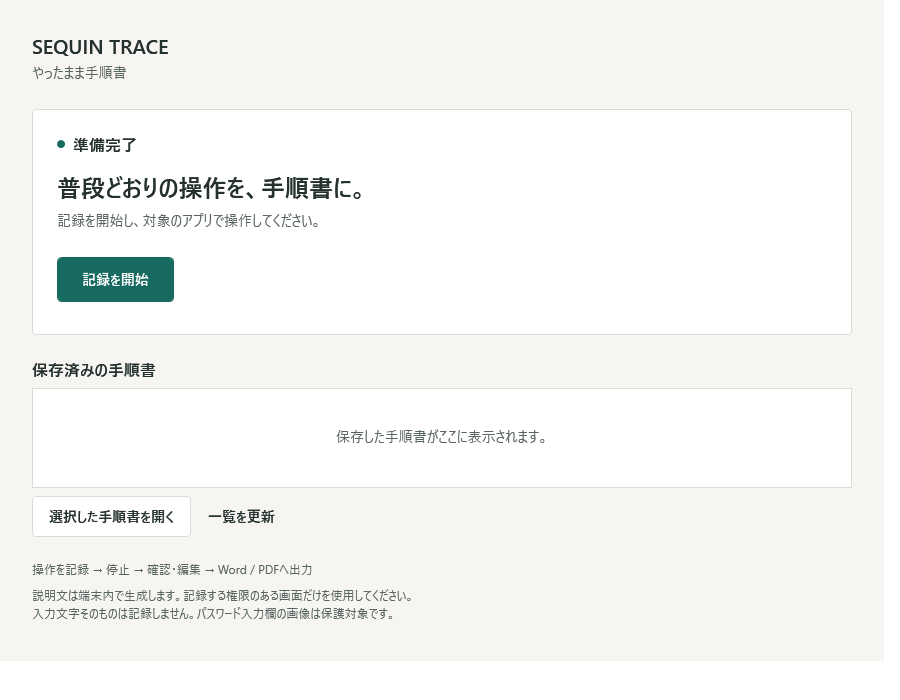
RECORD → WORK → STOP → GUIDE
Press Record and carry out the Windows operations you want to explain. Press Stop when you are done.
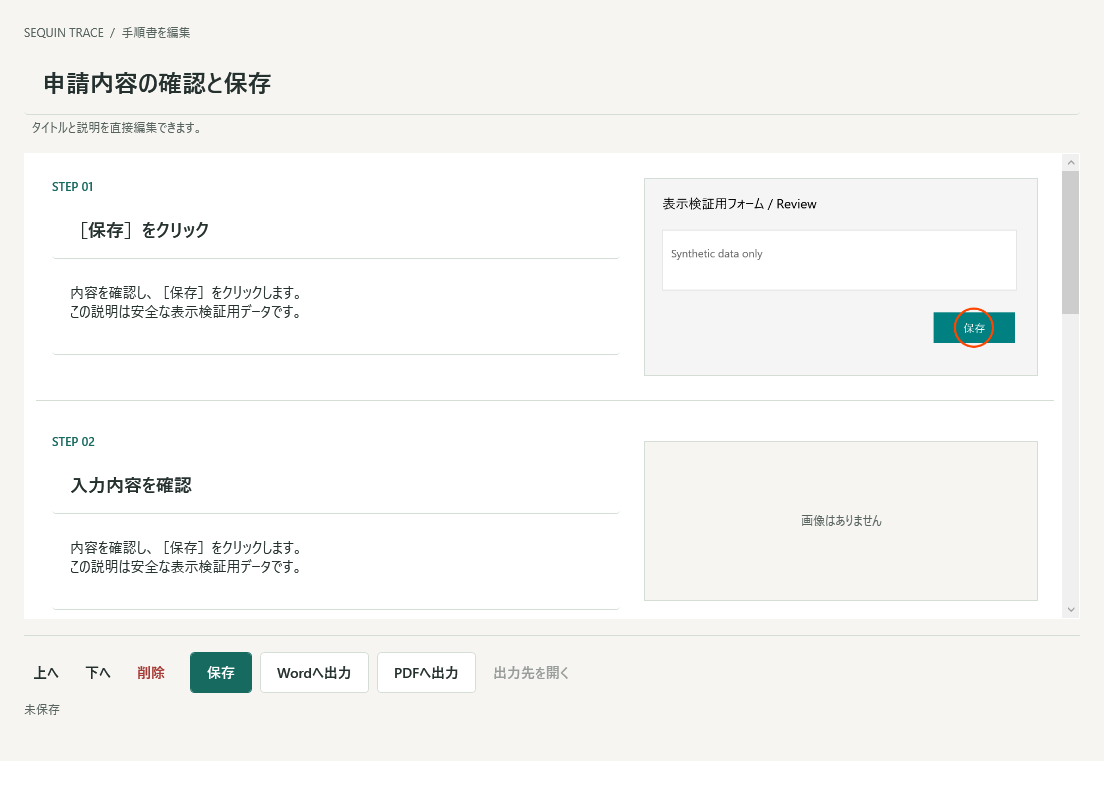
Check Steps, screenshots and click markers. Edit titles and descriptions, remove unnecessary Steps and adjust their order.
Save your guide, or export to Word or PDF. Review images and wording before sharing.
THE TOOLS FOR YOUR HANDOVER
INSIDE TRACE
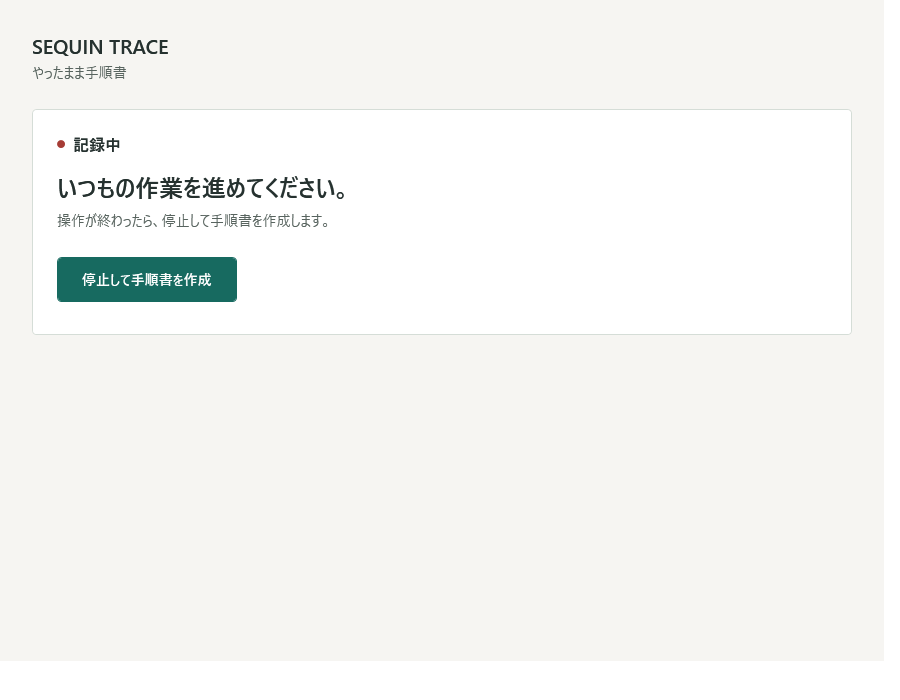
The recording screen keeps the current state and Stop control in view. Work in the Windows app you want to explain, then stop when the workflow is complete.
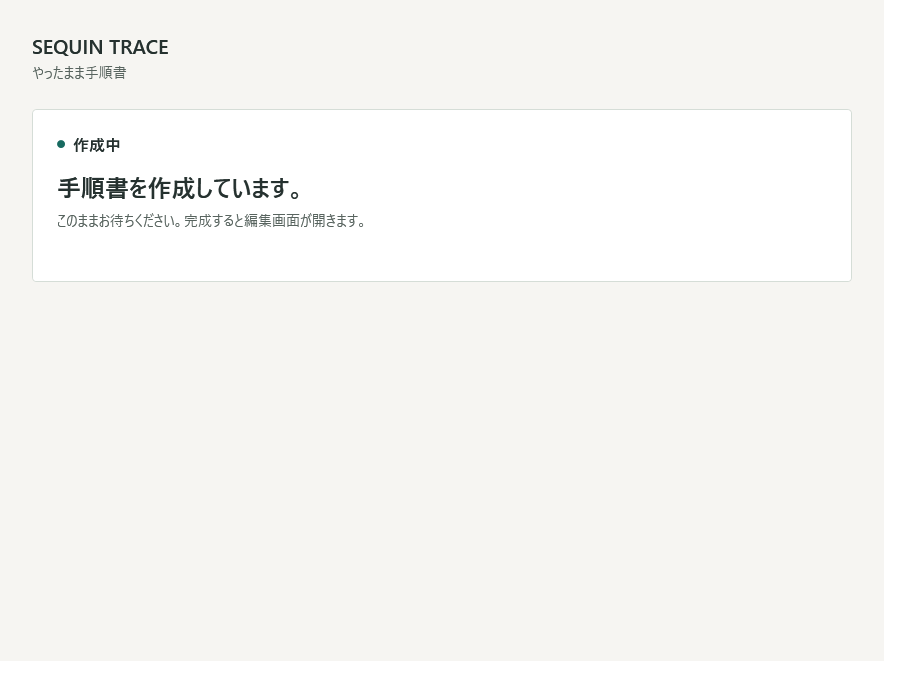
After Stop, TRACE assembles Steps and generates descriptions locally from observed operation metadata. When processing finishes, open the guide to check the result.
Review screenshots and click markers alongside the instructions. Correct wording, delete or reorder Steps, then use Word export or PDF export from the editor. A Step without a usable image remains editable as text.
LOCAL FIRST
Recording, screenshots and rule-based descriptions are processed locally. TRACE does not use Google, Gemini or an external AI API, and does not send guide content to an AI provider.
Purchase, protected download and initial license activation use the sales backend. Keep backups of your guides. Local processing does not make every visible screen safe to record or share.
LICENSE
USD 39, one-time purchase for one PC. After initial activation, the saved signed license supports local use. Keep your license and purchase reference safe.
USD 39 One-time purchase
AFTER PURCHASE
The initial release is not code-signed, so Windows SmartScreen may display a warning. The installer provided through your verified purchase is an official SEQUIN CREATIVE distribution.
REQUIREMENTS
BEFORE YOU BUY
TRACE does not log raw keystrokes, typed text or password values. Password targets identified by UI Automation are protected by capture suppression or safe masking. This is not general detection of sensitive information; screenshots can still contain visible text.
App compatibility and Step accuracy are not guaranteed. Excel UI Automation can vary. Qt, Delphi, VB6, unknown legacy apps, elevated apps, multi-monitor and non-96-DPI setups are not guaranteed.
Record only screens you are authorized to use. Check for missing or unnecessary Steps, private information and incorrect descriptions before handing over the guide.
SEQUIN TRACE
Work once. Review the guide. Hand it over.
USD 39 One-time purchase